Color and dark versions
Palettes
Style(palette=...) sets the colors every panel plots with, in turn:
- a named palette:
"okabe-ito"(the default for new projects, which color-blind readers can tell apart),"tol-bright","tol-muted","tol-vibrant","colorbrewer-set2","colorbrewer-dark2","tableau"; - a list of colors;
- or names mapped to colors,
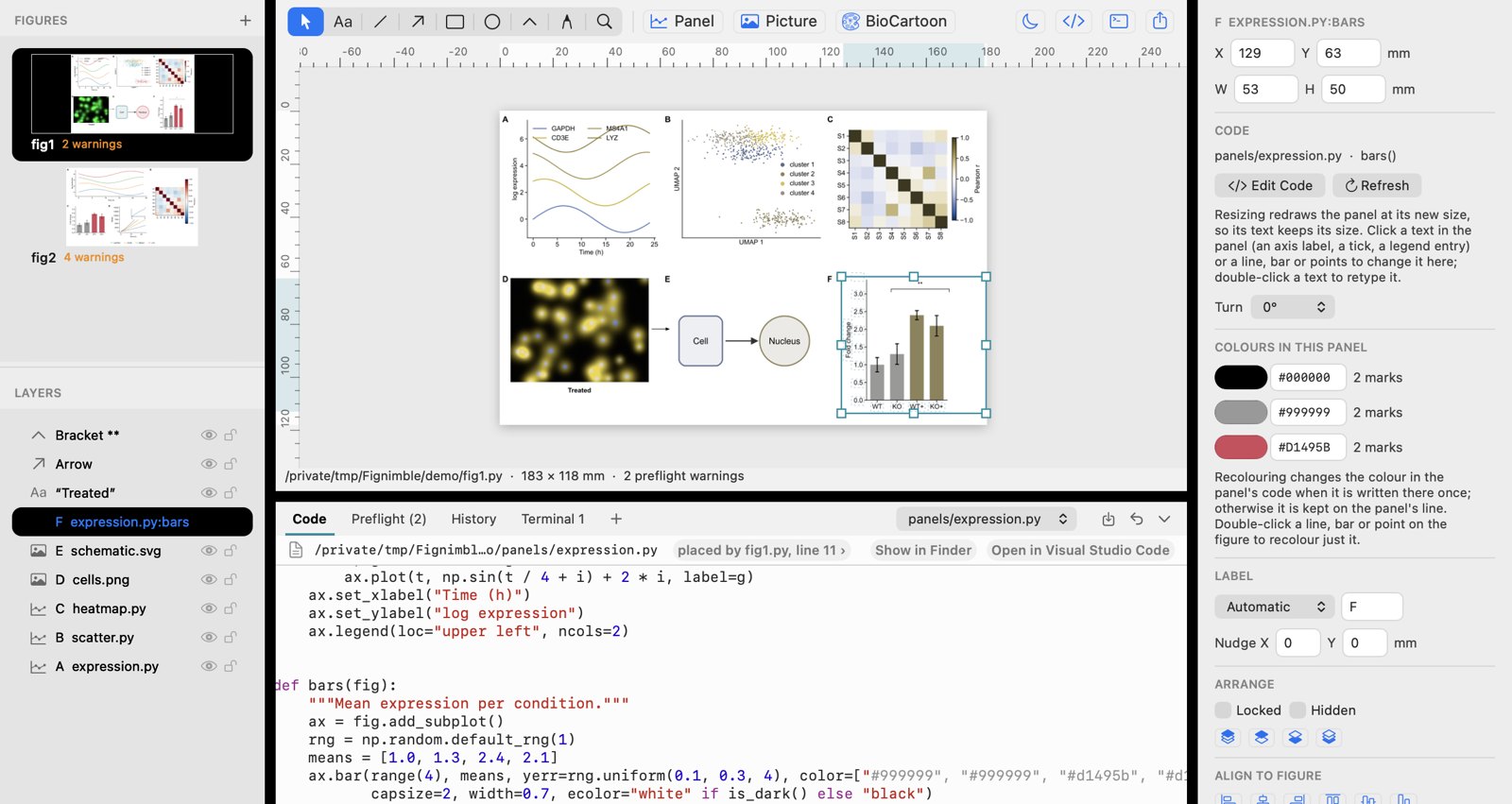
{"WT": "#999999", "KO": "#d1495b"}, used in panel code ascolor("KO")so a condition has the same color in every panel.
Every color well in the inspector has a hex field and the palette's swatches, and the picker's eyedropper takes any color on the screen.
Color vision
Preflight warns when two colors of a panel, or of the annotations, that most people tell apart look alike to readers with deuteranopia, protanopia or tritanopia. View ▸ Color Vision shows the whole figure as those readers would see it, or as a grayscale print.
Dark versions
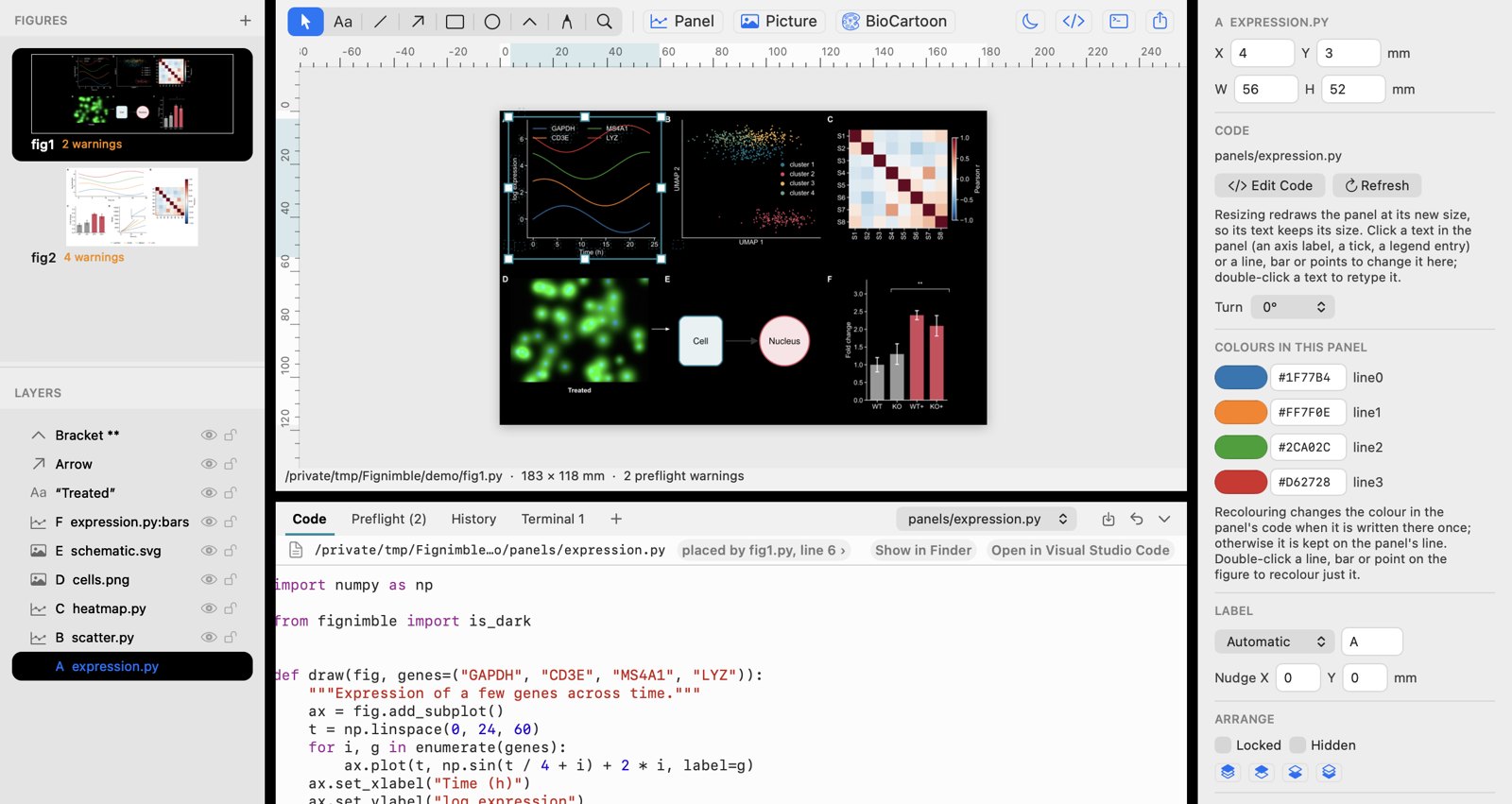
Every figure has a dark version for talks, made from the same code: the style's text and axes turn white, the
background black, and black annotations white. View ▸ Dark Version of Figure (⌥⌘D,
or the moon in the toolbar) shows it, the export dialog has a Dark version box, and
fignimble export fig1.py fig1-dark.pdf --dark writes it.
Colors that panel code sets itself stay as they are; use is_dark() in panel code to choose
("white" if is_dark() else "black").
The app itself follows the system's light or dark appearance, or View ▸ Appearance chooses one.